

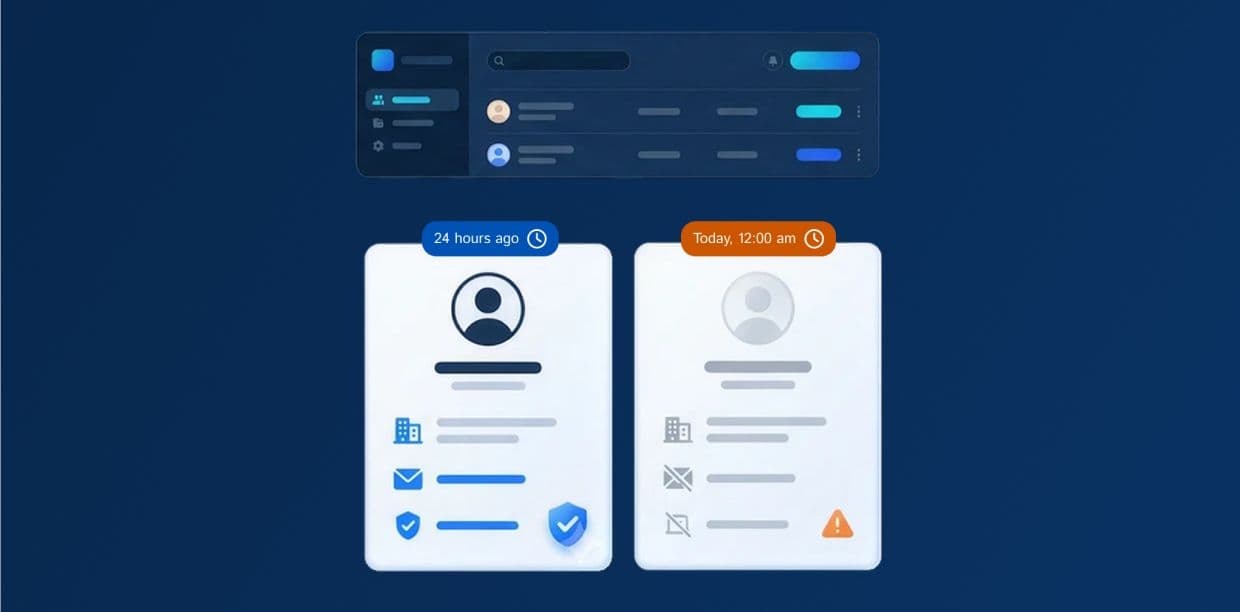
In August 2026, 1.9 percent of U.S. workers quit their jobs, according to the U.S. Bureau of Labor Statistics. That is one month. Over twelve months, the same pace adds up to roughly 23 percent, or more than one in five workers. The estimate is rough because it counts each month separately, but it shows the scale of the problem for your database.
Some of those people sit in your CRM as contacts, with email addresses and job titles that are now wrong. Nothing in the system warns you about this rotten, decayed data, because a record looks the same on the day it goes stale as it did on the day you entered it. This is how fast-decaying records quietly lower CRM data quality, and why the damage often goes unnoticed until a campaign or forecast fails.
Why CRM Records Go Out of Date So Quickly
Job changes are the biggest cause of stale records, but they are not the only one. Several other changes happen outside your CRM, and no one tells your team about them:
- Promotions and reorganizations change a person's title while their email stays the same.
- Mergers, rebrands, and moves change company names, domains, and addresses.
- People stop using old email addresses and phone numbers, sometimes without leaving the company, because of internal shifts.
Buying email lists from lead databases adds to this problem from another direction. The vendor compiles and refreshes the data on their schedule, using a generic set of criteria. So, part of the list is already outdated when you buy it, and the remaining may or may not match your ICP.
Because every record holds many fields, a single contact can go partly stale long before anyone notices. And there's no way to alert your team the moment a record decays, not even with AI in most cases.
How Decaying Records Lower CRM Data Quality
CRM data quality is usually judged on four things: accuracy, completeness, consistency, and uniqueness. Fast-decaying records hurt all four.
- Accuracy: The record no longer matches reality. A contact listed as VP of Marketing at a company now works at another company or has a different job title.
- Completeness: When a person leaves their current organization, their email and phone number become useless, and the record has gaps your team must fill again.
- Consistency: Marketing may update one copy of a contact while sales updates another, so the same person shows two job titles or email addresses.
- Uniqueness: A rep who cannot find the updated contact creates a new record, which leaves two entries for one person.
These problems feed each other. An outdated record prompts a new record, the new record becomes a duplicate, and the duplicate splits one person's history across two profiles. Neither profile tells the full story.
What Poor Data Quality Costs Your Team
The effects show up in daily work long before anyone measures them.
- Wasted outreach: Emails to people who have left the company bounce, impacting your conversion pipeline. A high bounce rate can also hurt your sender reputation, which makes emails to valid contacts more likely to land in spam.
- Misleading reports: Pipeline and engagement reports count contacts who no longer work at the account, falsely inflating your potential prospect count and success rate. An account can look active even if the only person at that organization you could engage has left.
- Wrong routing: Leads and accounts get assigned using old locations or company details, so they reach the wrong sales representative and conversion potential suffers.
- Lost trust: After reps find a few wrong records, they stop trusting the rest and keep private spreadsheets. At that point, the CRM stops being the single source of truth.
CRM Data Quality Best Practices for Fast-Aging Records
You cannot stop records from aging, but you can catch changes sooner. These CRM data quality maintenance practices give the best return for the effort:
- Track verification dates for each field. A "last verified" date on job title and email shows what needs a check. One "last updated" date for the whole record can hide the fact that the email was refreshed while the title was not.
- Refresh records by priority. Check contacts tied to open deals and target accounts first, because they affect revenue soonest. Refresh lower-priority contacts on a slower schedule.
- Turn everyday signals into updates. Email bounces, out-of-office replies that say someone has left, and call notes all point to a change. Set rules that flag the record for review when these appear.
- Verify data before it enters the CRM. Lists and enrichment tools can deliver outdated data. Check new details against a second source, such as the company website, before overwriting anything.
- Merge duplicates on a schedule. A monthly duplicate check keeps each person's history in one place.
- Assign an owner and track three numbers. Measure your email bounce rate, the share of key records verified within your chosen time window, and your duplicate rate. If one number worsens, you know where to look.
Keep Your CRM Current without Overloading Your Team
Start small. This week, add verification dates to the job title and email fields. This month, verify the contacts on open deals and merge duplicates. This quarter, set a refresh schedule and begin tracking your three numbers.
Don’t have the time to verify records every month? Let an experienced CRM data management team handle the quality maintenance while your reps focus on sales.